When you receive a PDF document set to the North American “letter” format and print it on A4 paper without thinking, the result is immediately noticeable: misaligned margins, text cut off at the bottom of the page, a signature clipped. The letter size refers to this standardized paper format in North America, distinct from the A4 used in France.
Understanding this difference prevents recurring layout errors, whether for an administrative letter, a CV sent abroad, or a bilingual contract.
Letter format and A4 format: what goes wrong during printing
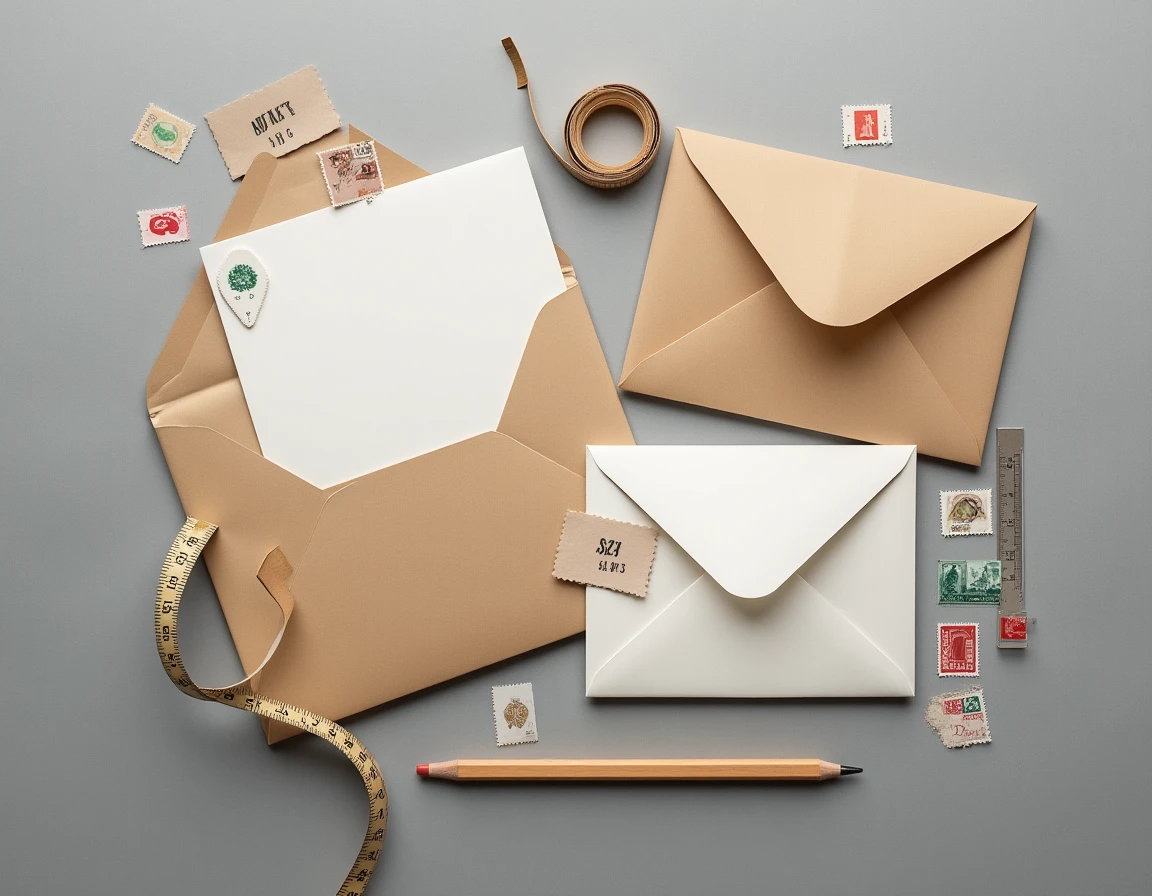
The letter format measures approximately 215.9 by 279.4 mm. The A4, ISO 216 standard applied in France, measures 210 by 297 mm. The letter is therefore slightly wider but significantly shorter than the A4.
In practice, this height difference (almost two centimeters) causes cut-offs when printing a letter document on an A4 sheet, or vice versa. Footers disappear, bottom margins get compressed, and a table that fits on one page in letter spills over onto two in A4.
You can learn everything about the letter size to anticipate these issues before sending a professional document to a North American recipient or receiving a contract template designed in the United States.
Software settings: correcting the default format
The most common trap comes from office software. Microsoft Word, Google Docs, and other applications offer a default page format that depends on the account’s region or the downloaded template. A cover letter template found on an American site will be configured in letter format, even if opened from a computer in France.
Check and modify the format in a word processor
- In Word: go to Layout, then Size, and select A4 if the document shows “US Letter” or “Letter”
- In Google Docs: open File, then Page setup, and switch from “Letter” to “A4” before printing
- In LibreOffice Writer: the setting is found in Format, then Page, Page tab, where the Format field allows you to choose between the two standards
This check takes a few seconds. It prevents having to reprint an entire file or send a letter with a misaligned layout to a recipient in France.
The case of PDFs received from abroad
A PDF generated in letter format does not automatically convert to A4 upon opening. When printing, you need to check the “Fit to printable area” or “Resize to paper size” option in the printer settings. Without this step, the content will be printed at its actual size, and the margins will not match the sheet.
Resizing a letter PDF to A4 slightly alters the proportions of the document. For a standard letter, this is invisible. For a technical plan or a form with fillable boxes, the results vary on this point: some software handles cropping better than others.
Administrative mail in France: when letter format is not suitable
In France, administrative letters, Cerfa forms, and cover letters follow the A4 format. Using letter paper for correspondence intended for a French administration poses a concrete problem: the document does not fit properly into a standard French envelope (DL or C5 format designed for A4 folded).
The extra width of the letter forces a fold or requires re-folding one edge, which gives a careless appearance. For formal correspondence (requests to a public service, cover letters), it is always better to check that the document is properly set to A4 before printing.
Free letters and online forms
In some recent administrative files, the free accompanying letter is losing ground in favor of pre-formatted online forms. We are writing fewer letters on plain paper for routine procedures. When it is still necessary, the A4 format remains the only standard expected by the French administration.
Practical tips to avoid format errors on a daily basis
Some simple reflexes can help avoid being caught out by the letter size:
- Before printing any document received by email, check the page format in the file properties or in the print preview
- When using a downloaded template (CV, standard letter, quote), always check that the format is A4 and not letter, especially if the template comes from an English-speaking site
- For shipments to North America, convert your A4 document to letter format before sending so that the recipient can print it without misalignment
- Set your printer’s default to A4 in the system preferences, which forces the detection of a non-standard format at each print
These actions quickly become automatic. The confusion between letter and A4 mainly affects people who regularly exchange documents with North American counterparts, but it can also occur with a simple letter template retrieved online.
The paper format seems like a detail until a letter arrives with cut-off text or a misaligned layout. Keeping in mind that letter and A4 are not interchangeable is enough to avoid most problems, whether for postal sending or a shared digital document.